
YouTube Ads Management: The Complete Guide to Running Campaigns That Actually Work
If you’ve ever watched your ad budget disappear into YouTube without a single conversion to show for it, you’re not alone. YouTube ads management is one of those things that looks deceptively simple on the surface — you upload a video, set a budget, pick an audience, and hit go. But anyone who’s tried it knows the reality is a lot more complicated than that.
This guide is written for people who are done throwing money at the wall. Whether you’re managing ads for your own business or handling campaigns for clients, what follows is a practical, no-fluff breakdown of how YouTube advertising actually works in 2025 and beyond.
What Is YouTube Ads Management, Really?
At its core, YouTube ads management is the ongoing process of planning, launching, optimizing, and scaling video advertising campaigns on YouTube — which runs entirely through Google Ads. It covers everything from choosing the right campaign type to adjusting bids when performance dips on a Wednesday afternoon.
But here’s what separates good ads management from great ads management: it’s not just about knowing the platform settings. It’s about understanding why people watch, skip, or click. It’s about aligning your creative with your audience’s mindset at different stages of the funnel. The technical skills matter, but the strategic thinking is what moves the needle.
The YouTube Ad Formats You Need to Know
Before you can manage anything well, you need to understand what you’re working with. YouTube offers several ad formats, and picking the wrong one is one of the most common (and costly) mistakes advertisers make.
Skippable In-Stream Ads
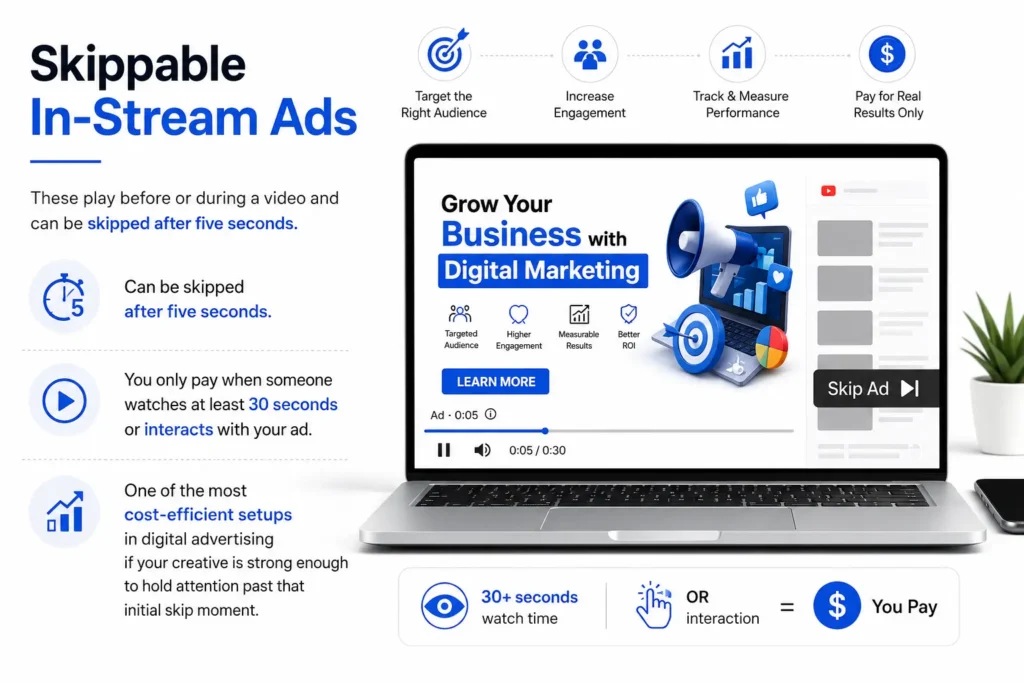
These play before or during a video and can be skipped after five seconds. You only pay when someone watches at least 30 seconds or interacts with your ad — which is actually one of the most cost-efficient setups in digital advertising if your creative is strong enough to hold attention past that initial skip moment.
Non-Skippable In-Stream Ads
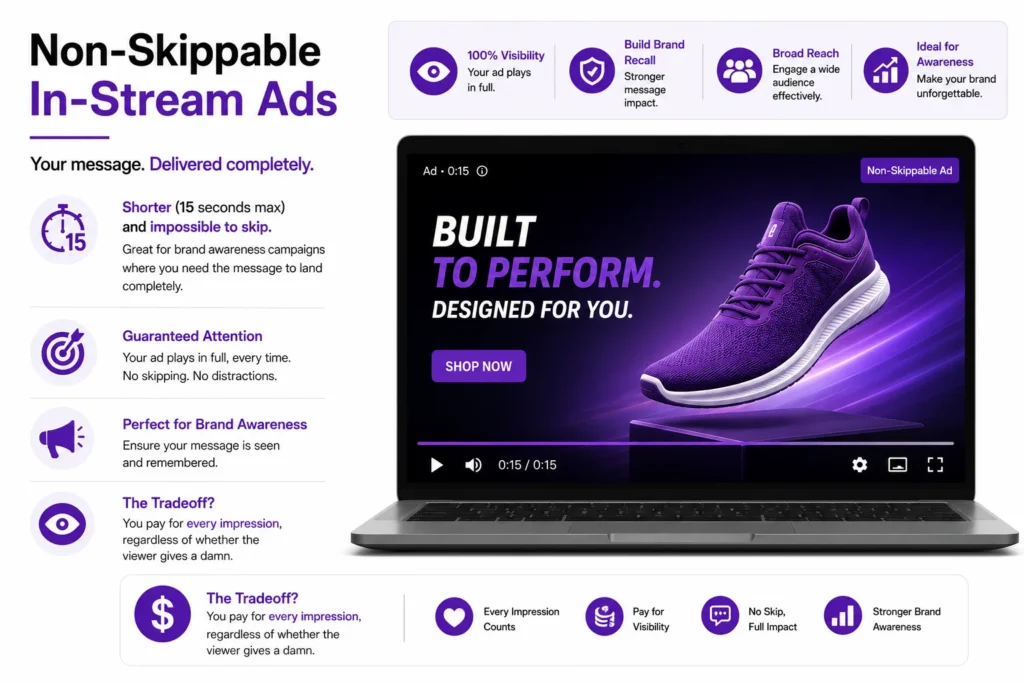
Shorter (15 seconds max) and impossible to skip. Great for brand awareness campaigns where you need the message to land completely. The tradeoff? You pay for every impression, regardless of whether the viewer gives a damn.
Bumper Ads
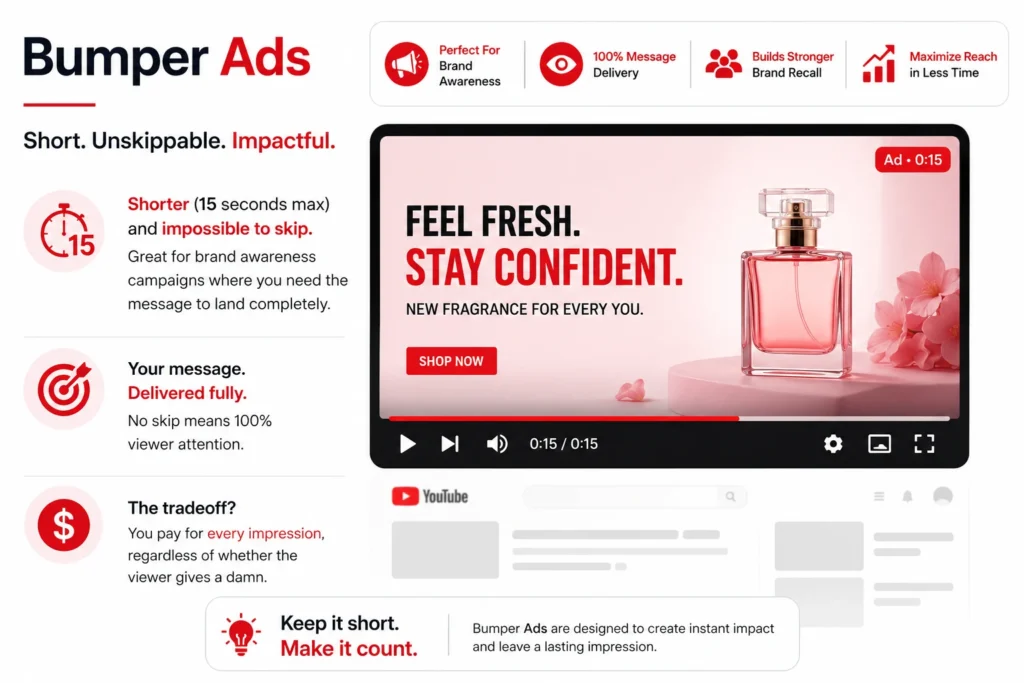
Six seconds, non-skippable, and shockingly effective when done right. Bumpers work best as reinforcement — pair them with a longer awareness campaign and watch your recall metrics climb. Think of them as the exclamation point at the end of a sentence someone else already wrote.
In-Feed Video Ads
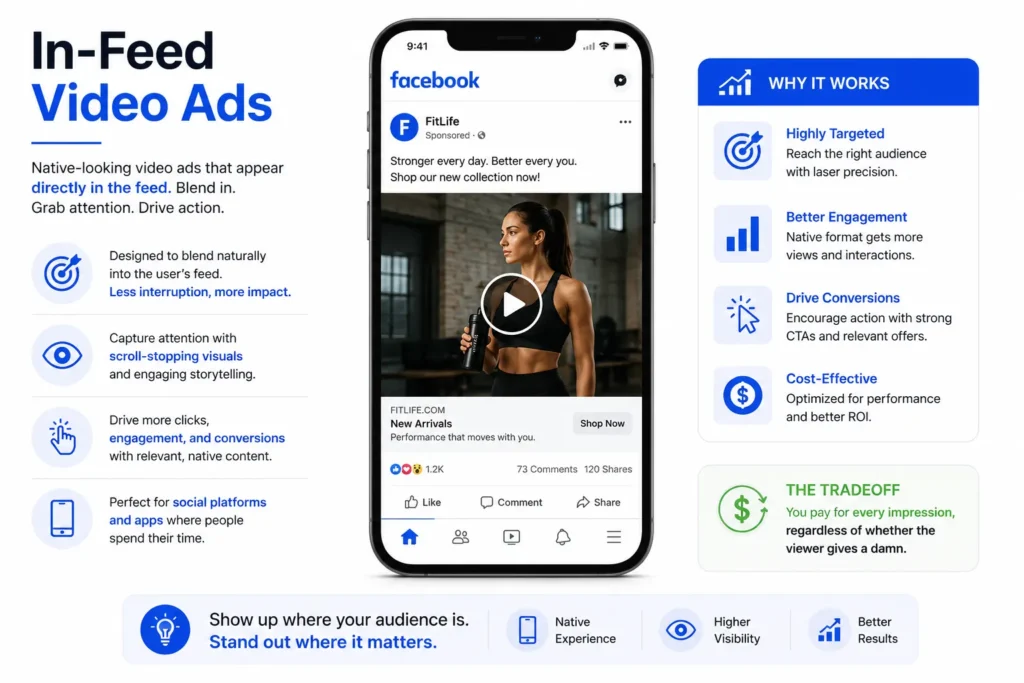
These show up in YouTube search results, the homepage feed, and next to related videos. Unlike in-stream ads, the viewer has to choose to click — which means the thumbnail and headline are doing the heavy lifting. Lower volume, but often higher intent.
Masthead Ads
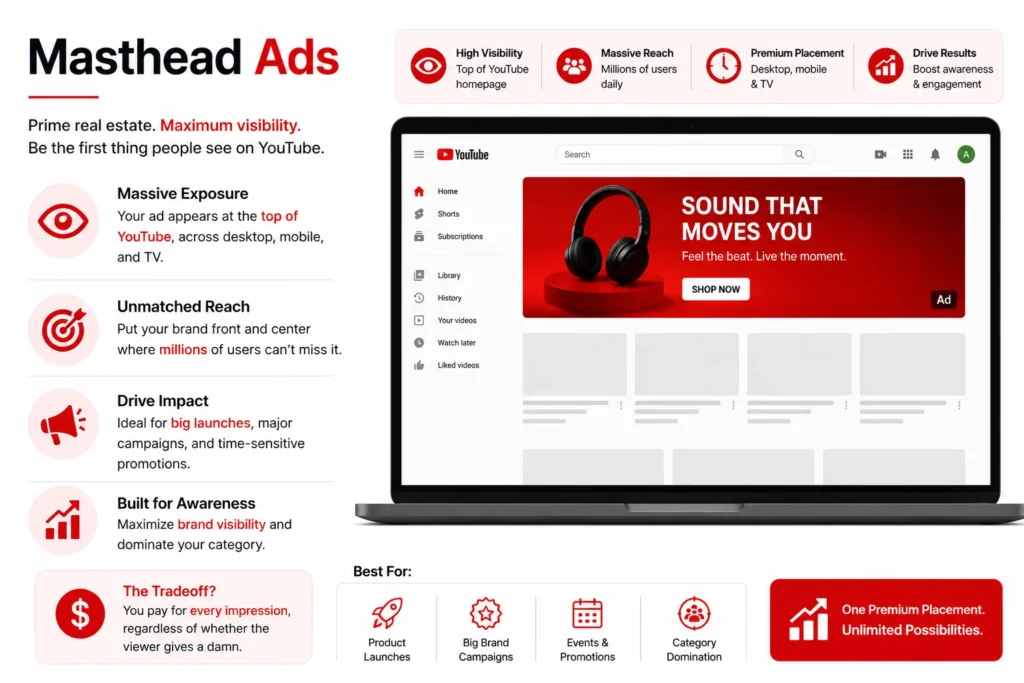
The big guns. These appear at the top of YouTube’s homepage for 24 hours. Reach can be enormous — we’re talking hundreds of millions of impressions — but the cost is equally significant. Reserved buys only, not available through the self-serve auction. Best suited for major product launches or cultural moments.
Setting Up a YouTube Campaign That Doesn’t Waste Your Budget
Getting the setup right from the start saves you a lot of cleanup work down the road. Here’s how to approach it systematically.
1. Start With the Objective, Not the Format
Google Ads will push you to select a campaign objective first, and you should take that seriously. Your objective shapes everything — bidding strategy, available formats, optimization signals. Running a brand awareness campaign with a conversion-focused setup is like training for a marathon by doing only bench press.
Common objectives and what they’re actually good for:
- Brand awareness and reach — Top of funnel, new audiences, product launches
- Product and brand consideration — Mid-funnel, getting viewers to explore more
- Website traffic and conversions — Bottom of funnel, direct response
2. Audience Targeting: Go Deeper Than Demographics
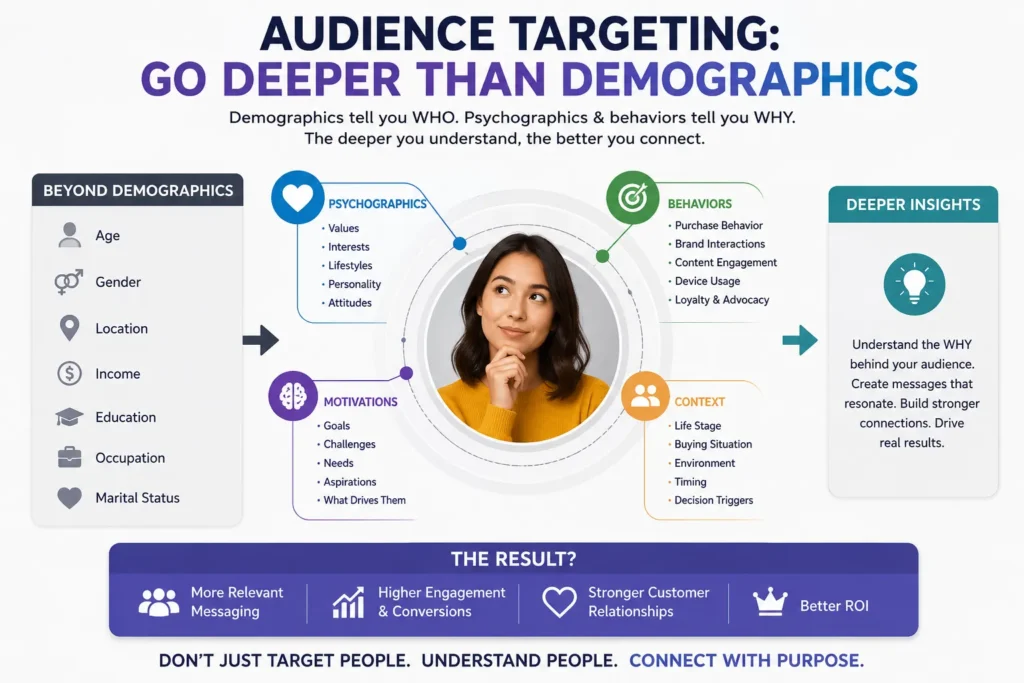
Age and gender targeting is table stakes. What actually separates efficient campaigns from wasteful ones is layering audience signals:
In-Market Audiences target people who are actively researching or comparing products in a specific category. If you’re selling accounting software, you want to reach people Google has identified as shopping for business software — not just anyone aged 25-54.
Custom Intent Audiences let you build audiences based on specific search terms people have recently typed into Google. This is remarkably powerful. Someone who searched “best CRM for small business” last week is a far better prospect than someone who broadly fits your demographic profile.
Custom Affinity Audiences go beyond Google’s predefined interests. You can define your own audience based on URLs they visit, apps they use, and places they go. It takes more thought to set up, but the precision is worth it.
Remarketing Lists target people who’ve already interacted with your brand — visited your website, watched your videos, subscribed to your channel. These audiences typically convert at significantly higher rates. If you’re not running remarketing, you’re leaving easy wins on the table.
3. Placement Targeting and Exclusions
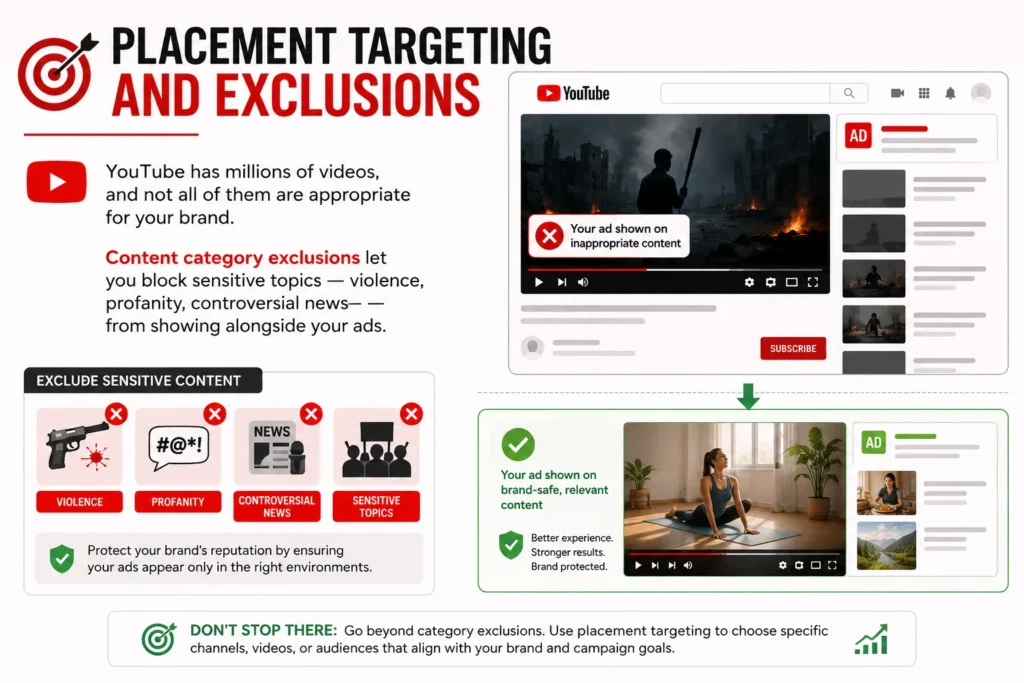
YouTube has millions of videos, and not all of them are appropriate for your brand. Content category exclusions let you block sensitive topics — violence, profanity, controversial news — from showing alongside your ads. But don’t stop there.
Managed placements let you choose specific channels or videos where your ad appears. If you’re advertising a fishing gear brand, placing your ad on top fishing content channels makes obvious sense. The CPMs might be higher, but the relevance lift usually more than compensates.
Similarly, use negative placements aggressively. Review your placement reports weekly in the early stages of a campaign. You’ll almost certainly find you’re serving ads on kids’ content, gaming streams, or music videos that are completely irrelevant to your product.
The Creative Problem Nobody Talks About Enough
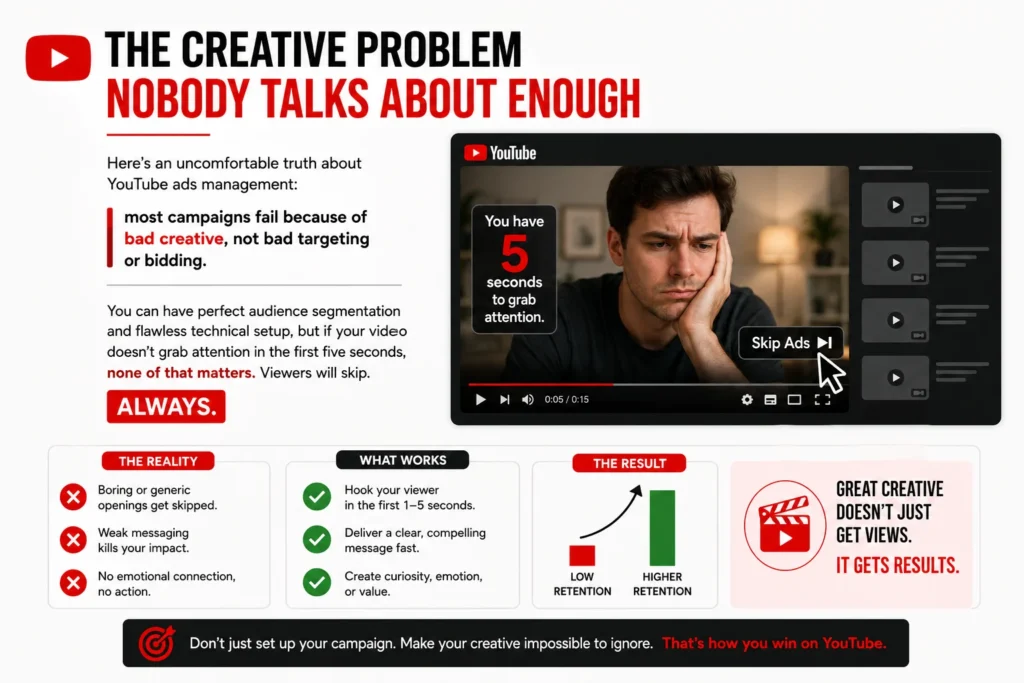
Here’s an uncomfortable truth about YouTube ads management: most campaigns fail because of bad creative, not bad targeting or bidding.
You can have perfect audience segmentation and flawless technical setup, but if your video doesn’t grab attention in the first five seconds, none of that matters. Viewers will skip. Always.
The Hook Is Everything
The first five seconds of a skippable ad are the only seconds you’re guaranteed. Use them to create genuine tension or curiosity. Don’t open with your logo. Don’t open with a scenic pan shot. Don’t open with someone saying “Hi, I’m [Name] from [Company].”
Open with something that makes the viewer think, “wait, what?” or “that’s exactly my problem.”
Some approaches that work well:
- Provocative question: “Why do most email marketing campaigns get ignored?” (immediately relevant to the target audience)
- Surprising statement: “We closed $4 million in sales last year without a single cold call.”
- Visual pattern interrupt: Something visually unexpected that doesn’t immediately make sense — curiosity drives people to keep watching.
Match the Creative to the Funnel Stage
A cold audience who’s never heard of you needs a different message than a warm audience who’s visited your website three times. This sounds obvious, but most advertisers run the same creative to everyone and wonder why results are inconsistent.
For cold audiences: focus on the problem you solve. Make them feel understood before you make them an offer.
For warm audiences: focus on your differentiation and proof. They know they have the problem — now convince them you’re the right solution.
For retargeting: be direct. These people already know you. Get to the offer faster, address common objections, and create urgency.
Bidding Strategies and Budget Management
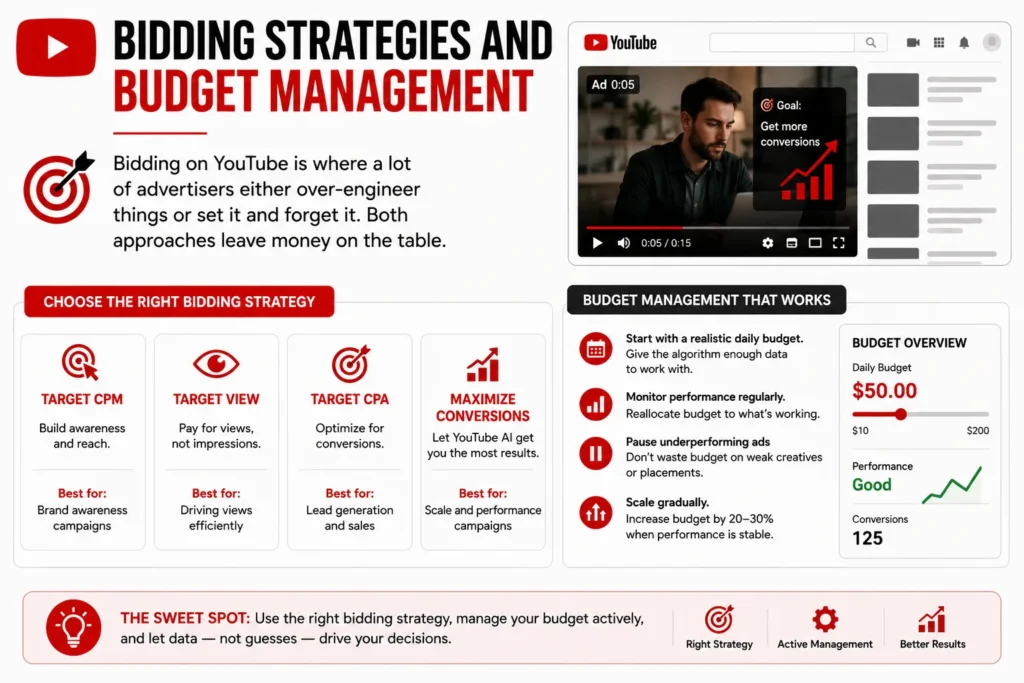
Bidding on YouTube is where a lot of advertisers either over-engineer things or set it and forget it. Both approaches hurt performance.
Target CPM (tCPM)
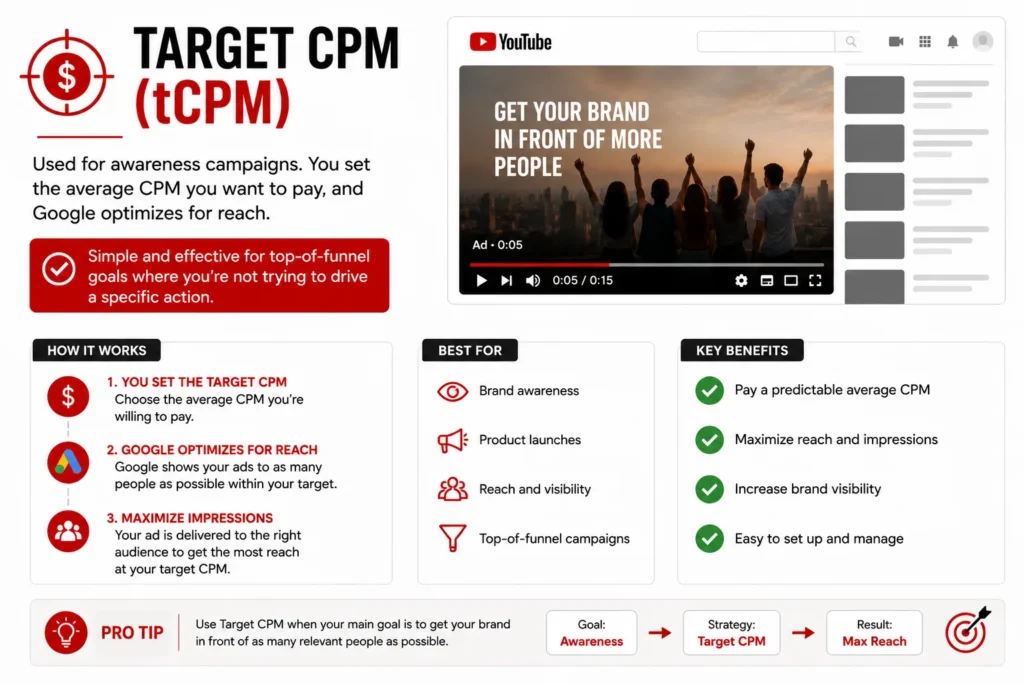
Used for awareness campaigns. You set the average CPM you want to pay, and Google optimizes for reach. Simple and effective for top-of-funnel goals where you’re not trying to drive a specific action.
Target CPV (tCPV)
You bid for a specific cost-per-view. Useful for consideration campaigns where view-through rates matter. Works best when you have a clear sense of what a view is worth to your business.
Target CPA (tCPA)
You tell Google what you want to pay per conversion, and it optimizes bids to hit that target. Requires sufficient conversion data to work properly — typically at least 50 conversions in the past 30 days before Smart Bidding performs reliably. Don’t use this on a brand new campaign with no data.
Maximize Conversions
Google spends your budget to get as many conversions as possible without a specific CPA target. Good for scaling campaigns that already have conversion data but where you want to push volume.
One practical note on budget: Don’t start campaigns with too small a daily budget. If you’re running a tCPA campaign targeting a $50 conversion, a $10/day budget doesn’t give the algorithm enough room to learn. A reasonable starting budget is typically 10-20x your target CPA per day during the learning phase.
Measuring What Actually Matters
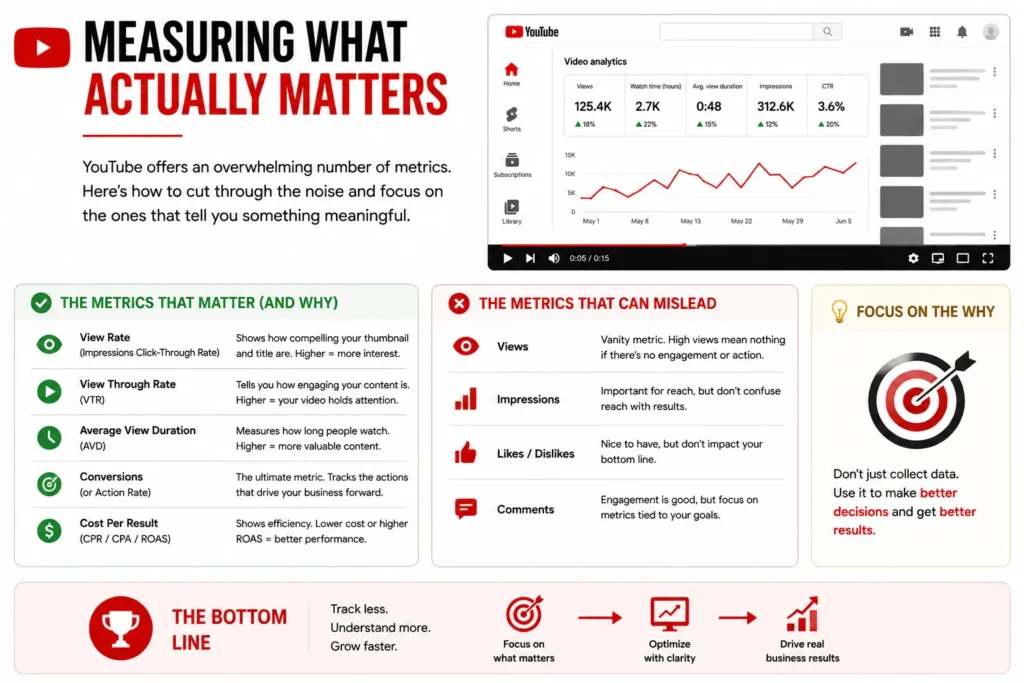
YouTube offers an overwhelming number of metrics. Here’s how to cut through the noise and focus on the ones that tell you something meaningful.
View Rate and Skip Rate
View rate (the percentage of people who watch at least 30 seconds or to completion for shorter ads) tells you how engaging your creative is. A view rate above 30% for cold audiences is generally solid. Skip rate is the flip side — high skip rates early in a campaign are usually a creative problem, not a targeting problem.
Brand Lift and Search Lift
Available once you hit certain spend thresholds, these Google-run studies measure whether your ads are actually moving awareness, ad recall, and consideration metrics. They’re invaluable for proving the value of upper-funnel campaigns that don’t drive direct conversions.
View-Through Conversions
These credit a conversion to a YouTube ad when someone saw (but didn’t click) the ad and later converted on your website. The default attribution window is 30 days, which is almost always too generous. Most advertisers drop this to 1-3 days to get a more accurate picture of true YouTube-driven conversions.
Assisted Conversions
Look at YouTube’s role in multi-touch attribution. Often, YouTube’s impact shows up not as the last click before a purchase, but as the touchpoint that introduced someone to your brand. Google Analytics and Google Ads both have attribution reports that reveal this — use them.
Common YouTube Ads Management Mistakes to Avoid
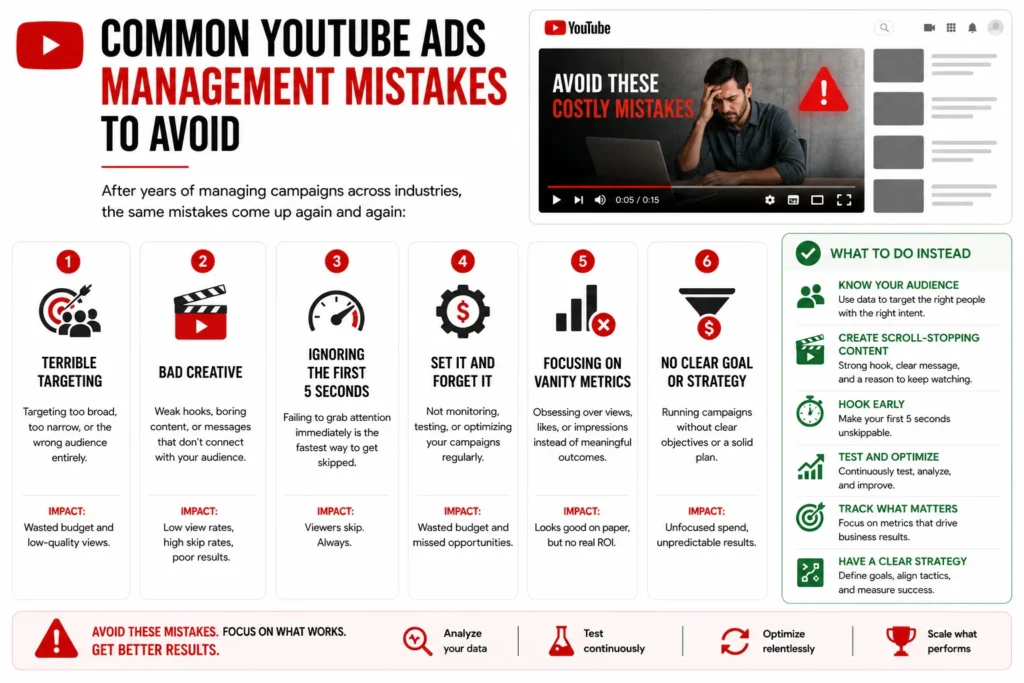
After years of managing campaigns across industries, the same mistakes come up again and again:
1. Not excluding irrelevant placements. Your ad will show on content you’d never consciously choose. Check placement reports constantly, especially early on.
2. Using the same creative for too long. Creative fatigue is real. If your frequency is climbing and your view rate is dropping, it’s time for new creative — not a new bidding strategy.
3. Making too many changes too quickly. Every time you make a significant change to a Smart Bidding campaign, you’re resetting the learning phase. Give changes 7-14 days to stabilize before evaluating performance.
4. Ignoring the mobile vs. desktop split. Mobile and desktop viewers behave differently, cost differently, and convert differently. Segment your performance data and adjust accordingly.
5. Running video ads without a strong landing page. The ad brings them to the door. The landing page closes the sale. A perfectly optimized YouTube campaign pointed at a weak landing page will still underperform.
Scaling YouTube Campaigns the Right Way
Once you find a campaign that works, the instinct is to 5x the budget immediately. Resist it. Large sudden budget increases can destabilize Smart Bidding and cause CPAs to spike while the algorithm recalibrates.
A safer approach: increase budgets by 15-20% at a time, every 5-7 days, while monitoring performance. It’s slower, but campaigns scaled this way tend to maintain efficiency far better than those that get a sudden jolt.
On the creative side, scale by building on what’s working rather than overhauling it. If a particular hook is performing well, test the same hook with a different offer. If a certain audience segment converts efficiently, find lookalike audiences that share those characteristics.
The Bottom Line
YouTube ads management isn’t magic, but it does reward patience, structured thinking, and a genuine willingness to understand your audience. The platform gives you powerful tools — sophisticated targeting, flexible formats, machine learning optimization — but those tools only work as well as the strategy behind them.
Start with a clear objective. Match your creative to your audience’s mindset at each funnel stage. Build in the right measurement frameworks before you launch. And then, once you have data, optimize methodically rather than reactively.
Done right, YouTube isn’t just a place to burn brand awareness budget. It’s one of the most powerful direct-response channels available — and one that still has enormous untapped potential for advertisers willing to put in the work.
Whether you’re managing a scrappy $1,000/month campaign or overseeing a seven-figure media buy, the principles here scale with you. The platform evolves, formats change, and algorithms update — but audiences are still human, and humans still respond to messages that feel relevant, timely, and worth their attention.